Skip to content

Digiretus.com

Free Photoshop Tutorials

Highlighting minute details in Photoshop

Petur BudaiOctober 30, 2017

Make the delicate texture more definite and they will get accentuated in your photo.

Removing red eye effect III. in Photoshop CS2

Petur BudaiNovember 16, 2017

This time with a Photoshop CS2 paint brush.
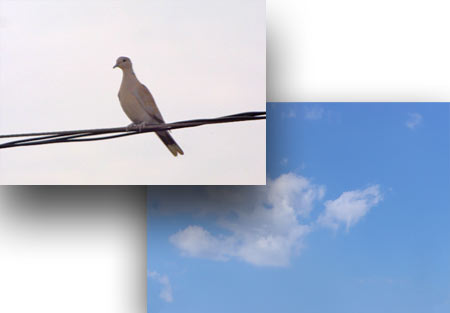
Show through in Photoshop

Petur BudaiOctober 31, 2017

Just like with a thin paper sheet, darker things show through.
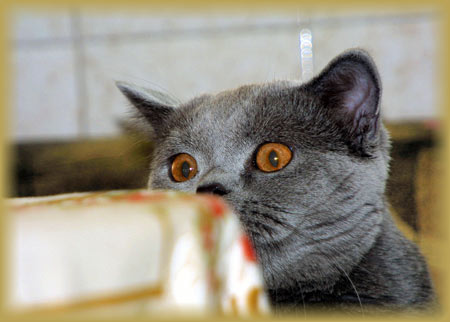
Applying borders II. in Photoshop Elements

Petur BudaiOctober 29, 2017

We’ll surround the essence with a soft, transitional, colorful border.
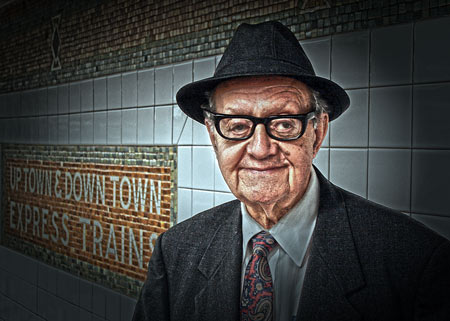
Extreme HDR in Photoshop CS5

Petur BudaiOctober 21, 2017

Expressive wrinkles in Photoshop

Against burnout in Photoshop Elements

Petur BudaiJanuary 28, 2018

You are about to see something like never before.
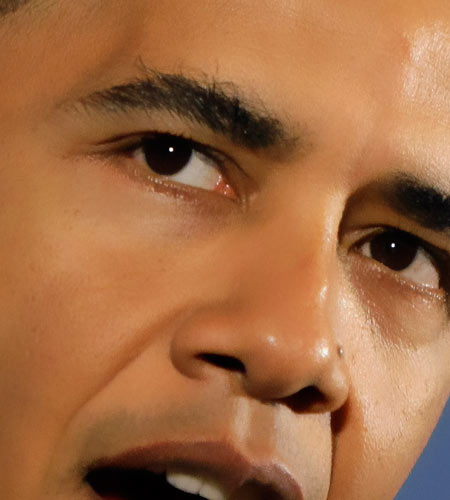
Smoothing out faces III. in Photoshop

Petur BudaiOctober 31, 2017

You cannot make the skin of a politician less thick but you can smooth it out at least.
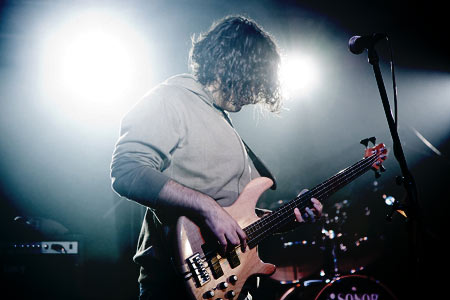
Rough contrast in Photoshop CS5

Petur BudaiOctober 31, 2017

An expressive photo with hard contrast in Photoshop.
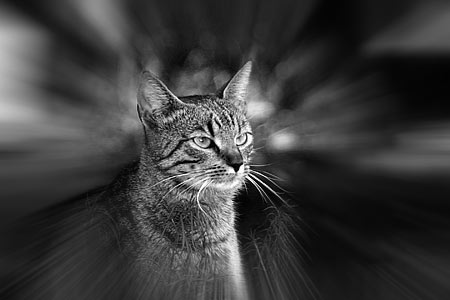
Zoom effect in Photoshop

Zoom effect in Photoshop

Petur BudaiJuly 29, 2018

A zoom effect lends dynamics and highlights themes
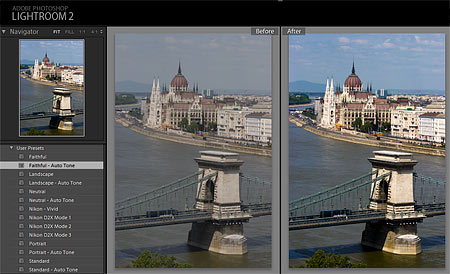
Adobe Lightroom – Installing templates

Petur BudaiOctober 29, 2017

Custom image processing settings from an external source

Posts navigation

Previous
Next


Categories

  • Adobe Lightroom Tutorials
  • Mobile Retouch Tutorials
  • Other Articles
  • Photo Retouch
  • Photo review
  • Photoshop Articles
  • Photoshop Elements Tutorials
  • Photoshop Plugin Tutorial
  • Photoshop Tutorials

Recent Posts

  • Black and white in Photoshop Elements
  • Merging photos II. in Photoshop
  • Cropping photos IV. in Photoshop CS5
  • Perspective correction V. in Photoshop CS4
  • Plaster in Photoshop
  • Coloring in Photoshop


Retouch themes

advanced Android Background blur Black and white blue sky Borders Brightness Christmas Color blending Color defects Coloring Color replacement Colors Color saturation Content-aware contrast Cropping easy effect Face Film filter Gradient HDR High-key Lightness Merging photos Noise old photo painting Perspective correction Polar RedEye resizing Selection Sepia Shadows Sharpening Skin Softening Undo Unwanted elements very easy Vignette White balance
©2016 MekaNews Lite powered by WordPress
Tweet