Skip to content

Digiretus.com

Free Photoshop Tutorials

Cropping photos IV. in Photoshop CS5

Petur BudaiOctober 21, 2017

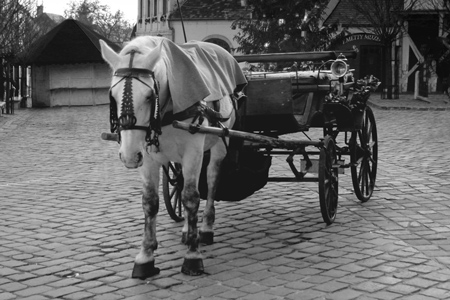
Rule of thirds in Photoshop CS5.

Sharpening VIII. in Photoshop

Petur BudaiOctober 21, 2017

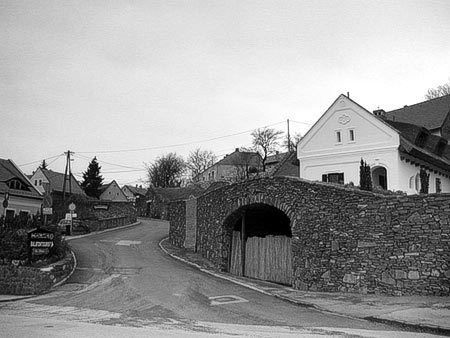
The “dumb” and the “clever” are working together in Photoshop.
Resizing Photos V. in Photoshop

Petur BudaiOctober 21, 2017

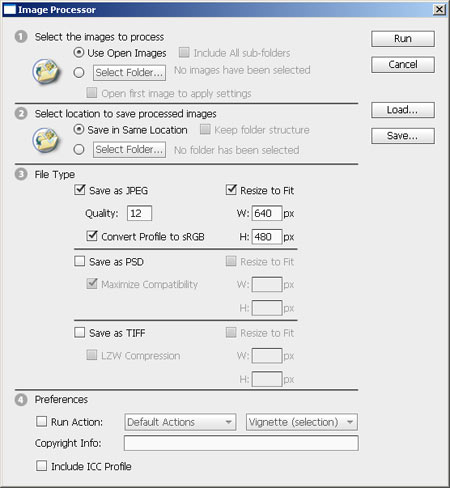
Even group resizing is possible with the somewhat hidden Image Processor.
Black-and-white photo V. in Photoshop

Petur BudaiOctober 22, 2017

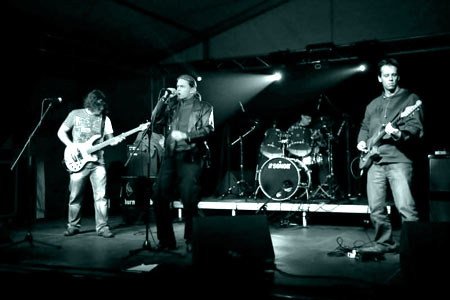
Create a professional monochrome photo simply.

Removing red eye effect in Photoshop CS5

Petur BudaiOctober 22, 2017

A click on each eye with the new tool.
Resizing photos IV. in Photoshop Step 3

Resizing photos IV. in Photoshop

Petur BudaiDecember 26, 2017

The appropriate algorithm for zoom in and zoom out respectively. How to resizing photos in Photoshop CS+.

Lightening shadows IV. in Photoshop

Petur BudaiDecember 28, 2017

Good old gamma adds some fill light to the shadows.

Sharpening VII. in Photoshop

Petur BudaiOctober 30, 2017

We now put the “smart” Photoshop sharpening filter to the test.
Sensor cleaning in Photoshop

Petur BudaiOctober 31, 2017

Sand in the wheels. It won’t last long.
Removing color defects (chromatic aberration) IV. in Photoshop

Petur BudaiOctober 31, 2017

The quickest way to “kill the rainbow” in Photoshop.

Posts navigation

Previous


Categories

  • Adobe Lightroom Tutorials
  • Mobile Retouch Tutorials
  • Other Articles
  • Photo Retouch
  • Photo review
  • Photoshop Articles
  • Photoshop Elements Tutorials
  • Photoshop Plugin Tutorial
  • Photoshop Tutorials

Recent Posts

  • Black and white in Photoshop Elements
  • Merging photos II. in Photoshop
  • Cropping photos IV. in Photoshop CS5
  • Perspective correction V. in Photoshop CS4
  • Plaster in Photoshop
  • Coloring in Photoshop


Retouch themes

advanced Android Background blur Black and white blue sky Borders Brightness Christmas Color blending Color defects Coloring Color replacement Colors Color saturation Content-aware contrast Cropping easy effect Face Film filter Gradient HDR High-key Lightness Merging photos Noise old photo painting Perspective correction Polar RedEye resizing Selection Sepia Shadows Sharpening Skin Softening Undo Unwanted elements very easy Vignette White balance
©2016 MekaNews Lite powered by WordPress
Tweet